

Start here
Atolla 8-Port
- Best for
- A standard keyboard plus peripherals desk
- Skip if
- You already run a scanner and SSD array
Herbie's Picks
Desk Gear Updated Sep 14, 2026
Count the ports you actually need before you buy. An 11-port box solves a crowded desk but adds bulk and heat. A 4-port model with charging keeps the laptop brick free for other jobs. Powered hubs cut the dongle tangle only if the power supply matches the load.
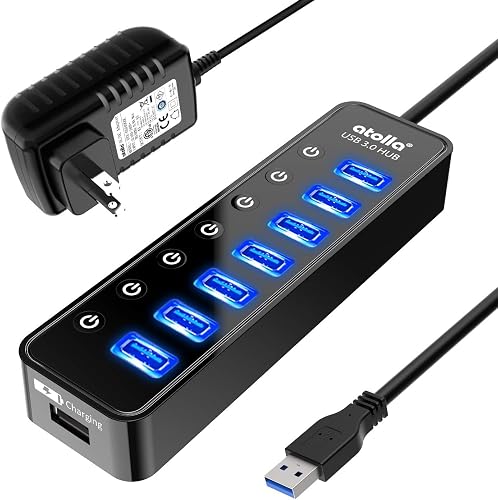 Atolla 8-Port Powered USB 3 Hub
desks that already run keyboard, mouse, webcam, and two drives
2
Atolla 8-Port Powered USB 3 Hub
desks that already run keyboard, mouse, webcam, and two drives
2
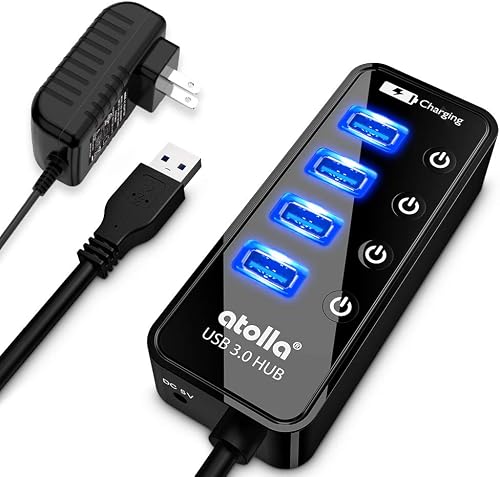 Atolla 4-Port USB 3 Hub with Charging
setups that need phone charging next to a keyboard and mouse
3
Atolla 4-Port USB 3 Hub with Charging
setups that need phone charging next to a keyboard and mouse
3
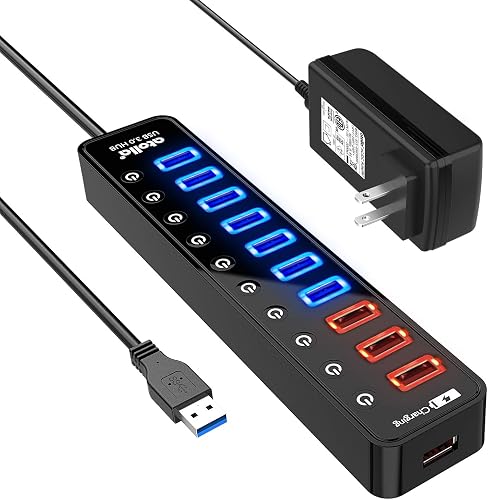 Atolla 11-Port Powered USB 3 Hub
desks that already run a scanner, SSD array, and several peripherals
4
Atolla 11-Port Powered USB 3 Hub
desks that already run a scanner, SSD array, and several peripherals
4
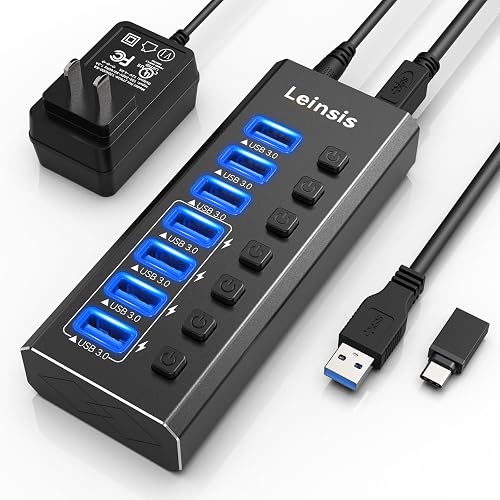 Leinsis 7-Port Powered USB 3 Hub
desks that run five or six devices and want one spare
Leinsis 7-Port Powered USB 3 Hub
desks that run five or six devices and want one spare
Start with how many things sit on the desk right now. Eight ports cover keyboard, mouse, webcam, headset, and a couple drives. Eleven ports suit a setup that already includes a scanner and external SSD farm. Four ports with charging fit a lighter desk where the phone and tablet share the same strip.
Every model here draws from its own brick so the laptop port is not the bottleneck. The 11-port unit needs the biggest brick. The 4-port charging version splits power between data and fast-charge ports, which is handy when the phone sits next to the keyboard.
| Pick | Best for | Skip if |
|---|---|---|
| Atolla 8-Port | A standard keyboard plus peripherals desk | You already run a scanner and SSD array |
| Atolla 4-Port with Charging | Phone charging next to a light setup | You need more than four data ports |
| Atolla 11-Port | A scanner plus multiple drives on one strip | The desk only holds five or six devices |
| Leinsis 7-Port | Five or six devices with one spare port | You want built-in phone charging ports |
Start here
4 picks with live Amazon ratings
Eight ports line up for the usual desktop mix. Keyboard and mouse take two, the webcam and headset take two more, and the remaining four still have room for a backup drive or two.
The power brick sits on the floor or behind the monitor so the hub itself stays small on the desktop. Data stays at USB 3 speeds as long as the devices do not all max out at once.
It is still a hub. If you add a scanner and a second monitor adapter later, you will outgrow the eight ports.
Four data ports plus separate charging ports make this the pick when the phone lives on the desk. The charging side pulls from the wall brick so the laptop stays out of the loop.
The smaller port count keeps the box narrow. It tucks beside a monitor stand without taking over the surface.
It will not run a full peripheral farm. Once you add a printer or extra drives the four data ports run out fast.
Eleven ports change the math when the desk already holds a scanner and two external SSDs. The extra ports keep everything live without constant swapping.
The power brick is larger to match the port count. It needs floor space or a shelf behind the desk.
The box itself grows with the port count. Measure the spot before you commit.
Seven ports give a little breathing room over the eight-port model without jumping to the eleven-port size. Keyboard, mouse, headset, webcam, and one drive still leave two open.
The power brick stays modest. It fits the same shelf space as the eight-port version.
It is still a fixed count. Add one more drive later and you are back to swapping cables.
Yes. Every model here uses its own power brick so the laptop port stays free and the hub can supply full power to every device.
The larger brick helps, but the box still warms up when every port is active. Leave a little airflow around it.

